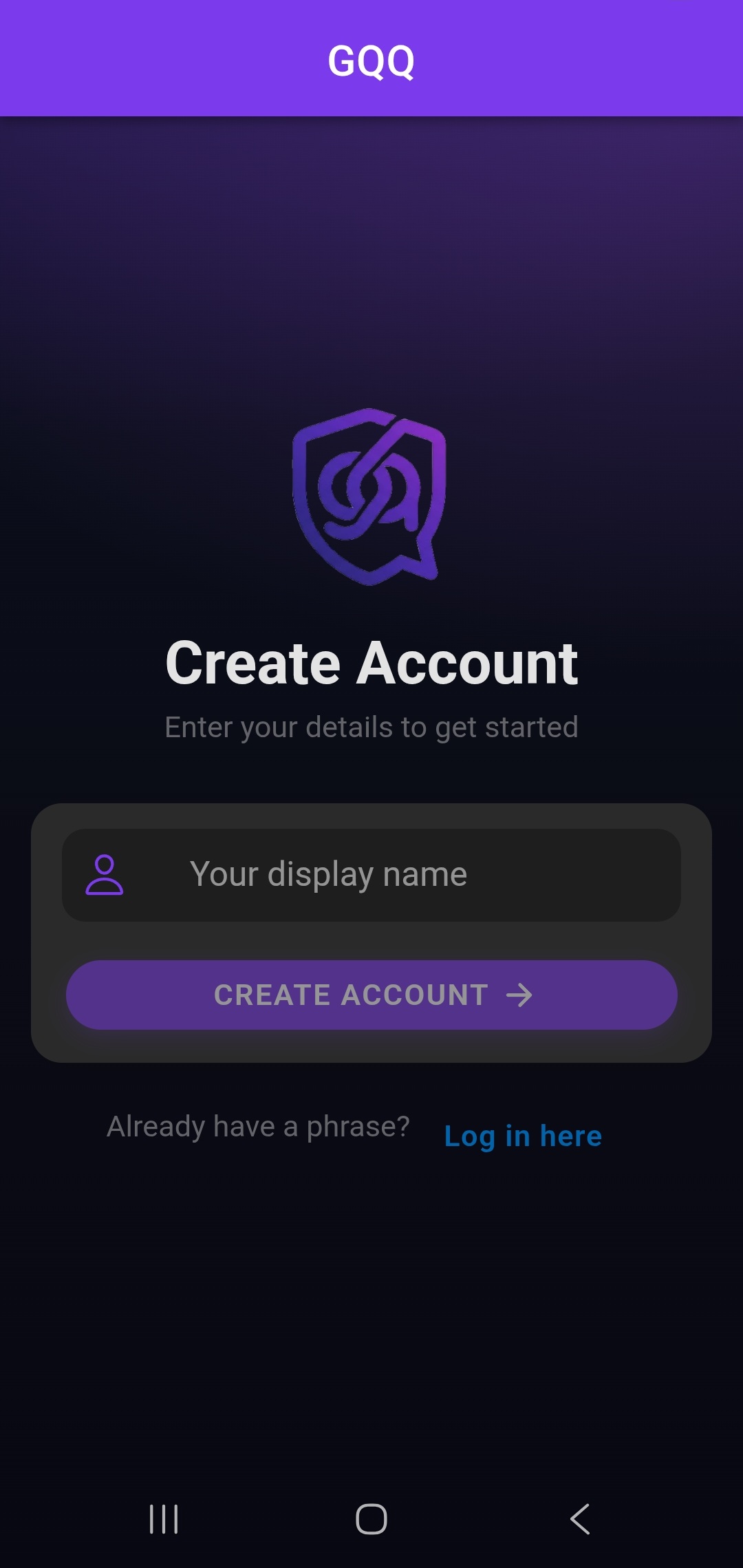
Phrase login (recovery phrase)
Log in with a phrase you control — handy access that keeps your account less tied to phone numbers and email, for a tighter privacy story from signup onward.
Encrypted database storage keeps your chats secure on our servers — plus a clean UI, media sharing, emoji reactions, voice notes, and an in-app privacy keypad. Full chat experience, your way. Bas download karo aur try karo.
Phrase login — sign in with your recovery phrase: suvidha bhi, privacy bhi zyada secure. We don’t need your phone number or email to get you started, so less personal identity is exposed to the service from day one.
Real app screenshots — phrase login, chat, privacy, and more.
Log in with a phrase you control — handy access that keeps your account less tied to phone numbers and email, for a tighter privacy story from signup onward.
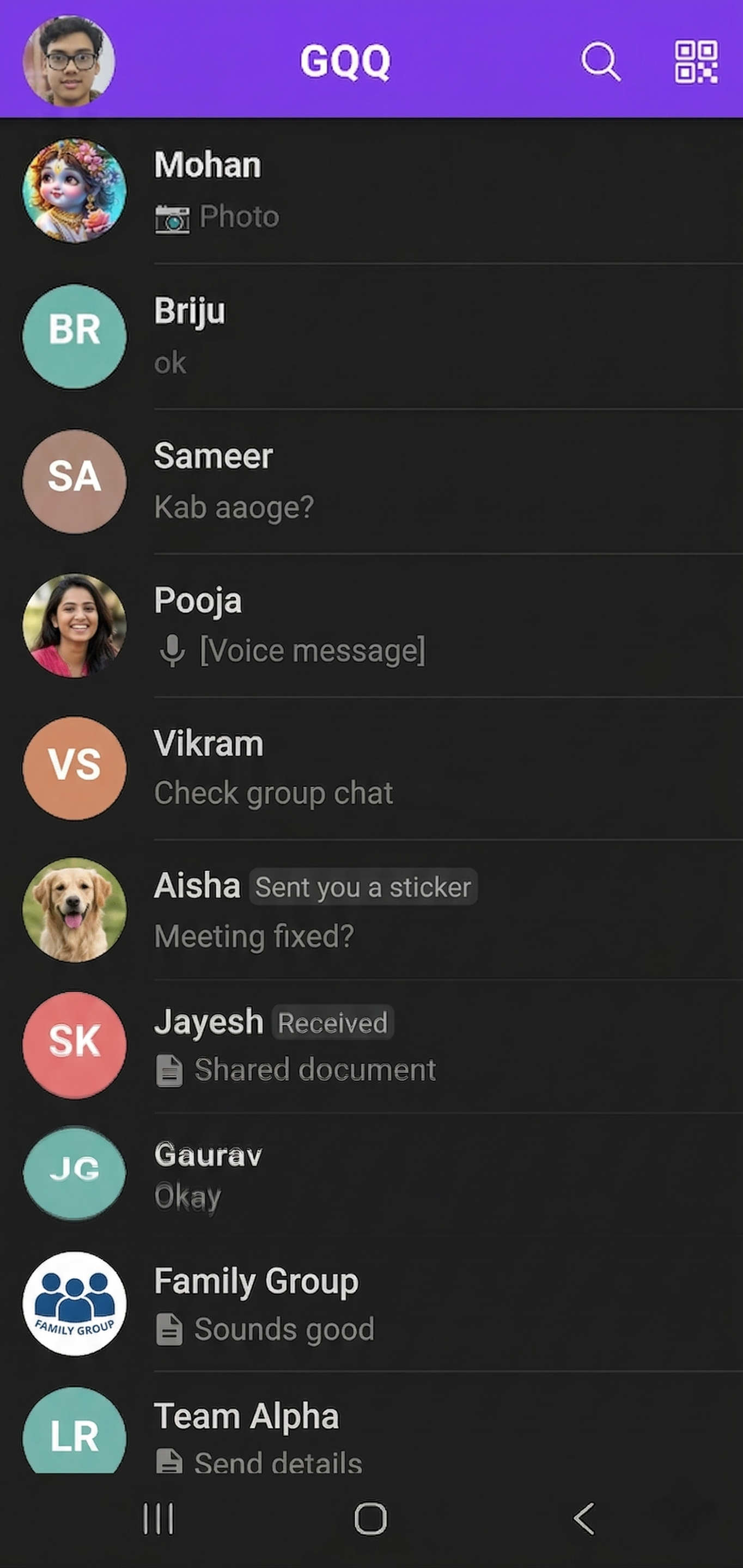
Messages and account data are stored in an encrypted database — server-side protection so your chats stay secure at rest.
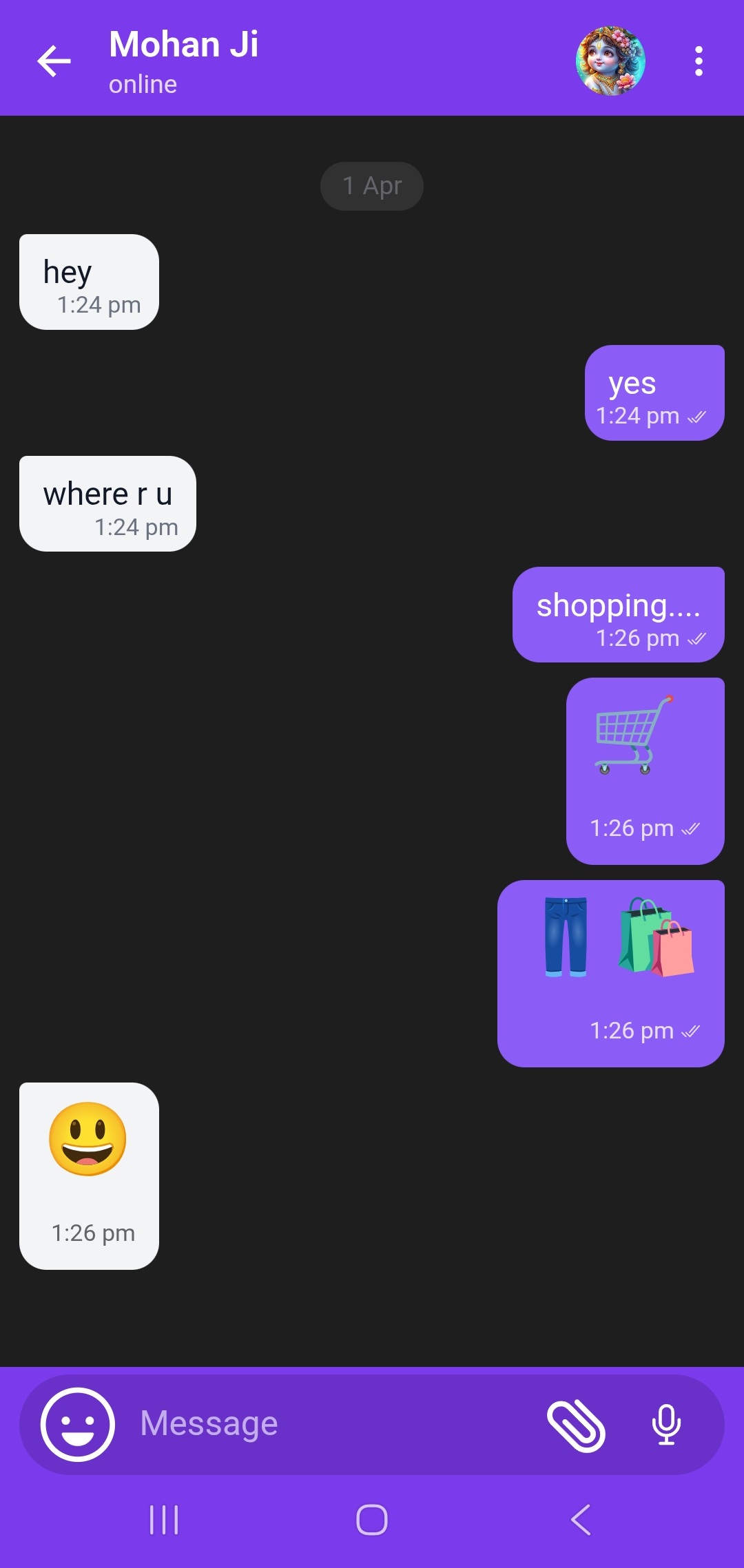
Text, replies, long-press quick emoji plus a full picker, and reactions right on messages.
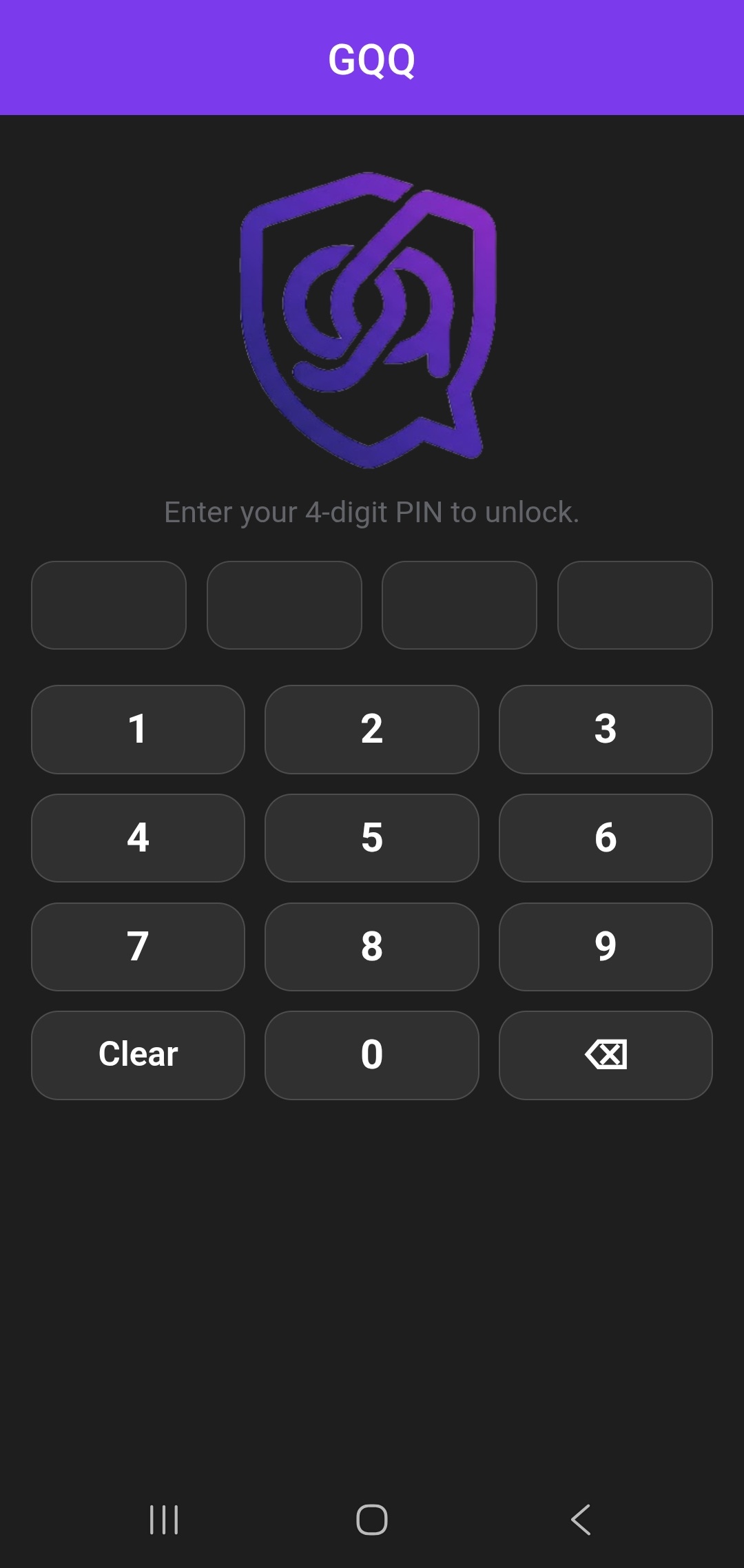
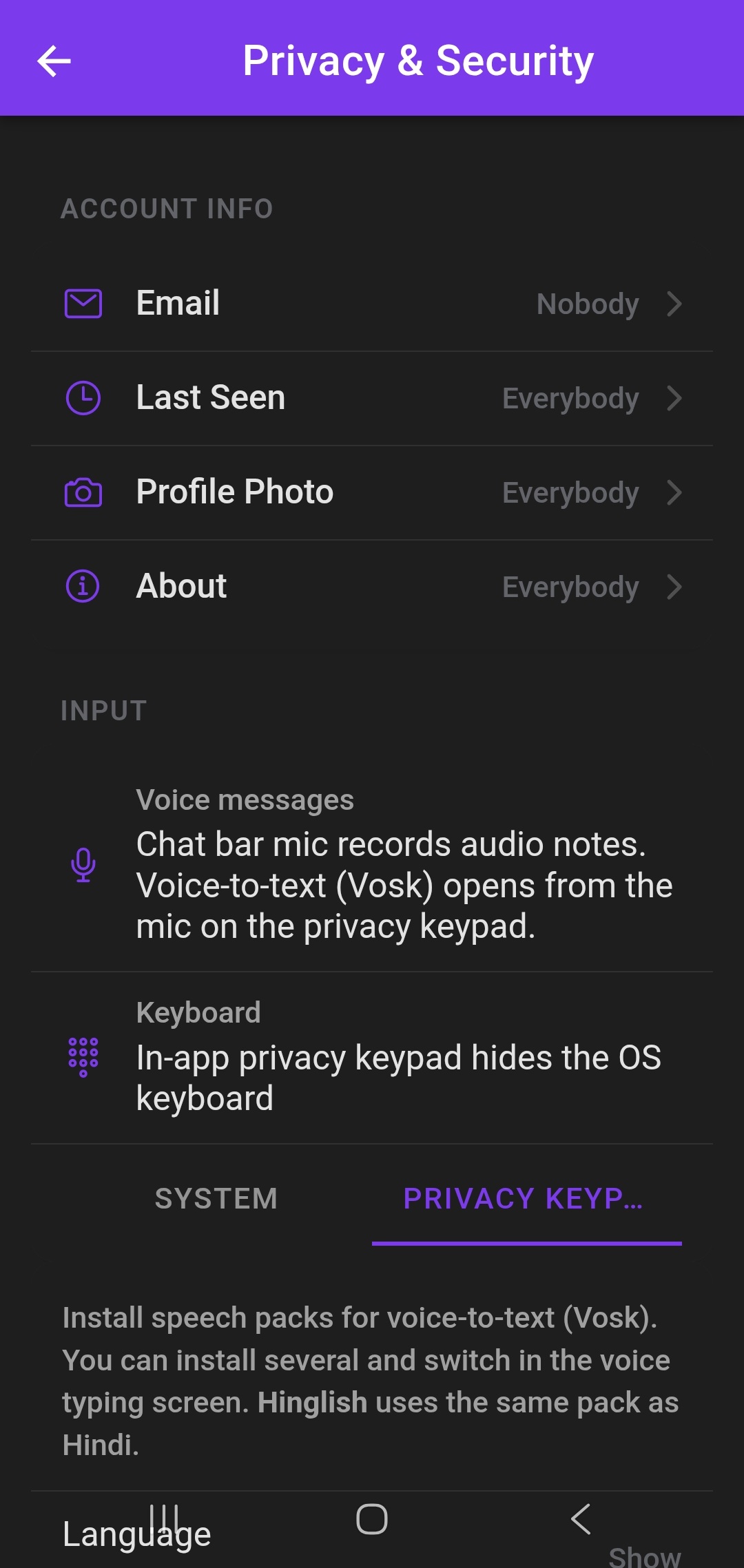
Type with the in-app keypad when you want less OS keyboard surface and more controlled typing.
Photos, video, audio, documents — with optional auto-delete timers where it fits your flow.
Optional PIN gate when opening the app — extra friction for anyone else on your phone.
Mute or unmute per chat; stay current with push when you want them on.
Last seen, profile photo, email visibility — tuned from one place in the app.
Screens from the live GQQ Android app.
Short answers for search and newcomers — edit anytime.
A messaging app with phrase login, chat, media, reactions, and privacy-first controls — backed by encrypted database storage on our servers.
Yes — GQQ stores messages and related data in an encrypted database. Your phrase login keeps account access in your hands without needing a phone number.
GQQ is built around phrase-based sign-in: you can get started without handing over a phone number or email for account creation — fewer identifiers on file means a simpler, more private path in.
Yes — grab it on Google Play. The green buttons on this page open the store listing directly.
When you want the system keyboard less visible or typing to feel more in-app and controlled, the privacy keypad is there.